If you experience a cast member who went above and beyond during your trip, you can leave them an official compliment or thank-you right in the My Disney Experience app. Just follow these quick steps:
1 Open the app and hit the menu button (☰).
2 Click on “Cast Compliment.”
3 Choose the vibe that best matches your experience and select the location.
4 Type in their name and hometown (or the Character they were hanging out with) straight off their name tag.
5 Pop in the date it happened.
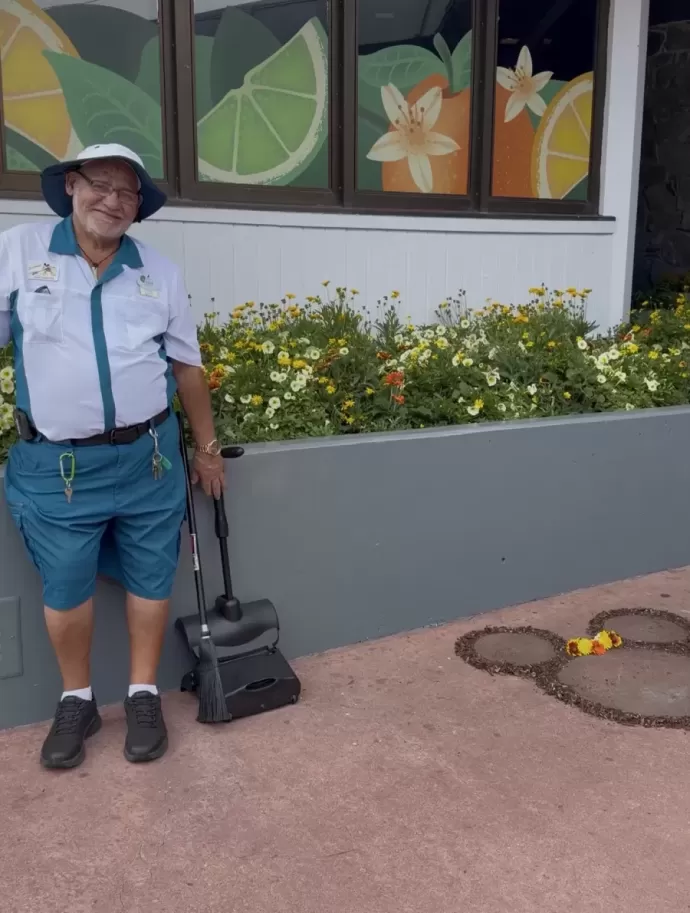
If the system pairs your note to the right Cast Member, they get a special notification in their own language, their boss gets a heads-up, and the praise gets officially added to their file!